
This document is a quick setup guide for Brother DCP-7030 and DCP-7040 printers, providing the correct steps for hardware configuration and driver installation.
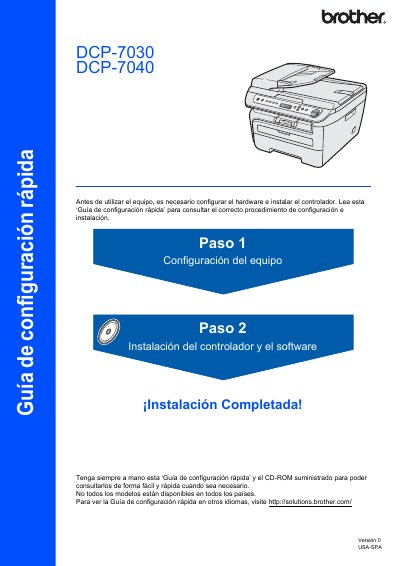
This document is a Quick Start Guide for the Brother DCP-7030 and DCP-7040 multifunction printers. It provides instructions for initial hardware setup, including installing the drum unit and toner cartridge, loading paper, and connecting the power cable. The guide also covers selecting the language and adjusting the LCD contrast settings. This manual is written in Spanish.
| Max Data Transfer Speed | 12 Mbits/s |
|---|---|
| Compatible Interface | USB 1.1 |
No, the interface cable is not supplied and must be acquired separately.
No, you must connect it to the printer's USB port, not a keyboard or unpowered hub.