
Key facts
- Brand
- Brother
- Model
- DCP-7060D
- Documents
- 2
- Languages
- EN
- Last added
- 2012-07-02
Start here
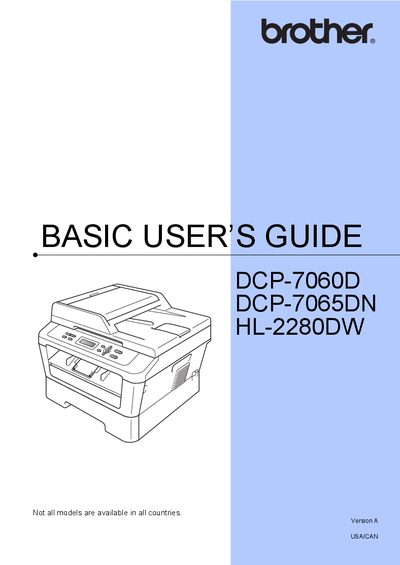
Brother DCP-7060D Basic User's Guide
User Manual 112 pages · 7.4 MB · EN
This document serves as a basic user's guide for the Brother DCP-7060D, DCP-7065DN, and HL-2280DW series of printers. It provides essential information for new users, including how to register their product with Brother Industries, Ltd., and where to find customer service support.
Read onlineAll Brother DCP-7060D documents by type
User Manual 2
Day-to-day operation, settings and troubleshooting. Start here if the product is already set up.
Questions answered in these manuals
What is the default setting for Toner Save?
The default setting for Toner Save is Off.
Can I continue printing after the 'Replace Toner' message appears?
Yes, you can set the machine to continue printing until the LCD shows 'Toner Ended', though print quality may appear faint.
Where can I register my Brother product?
You can register your new product online at http://www.brother.com/registration/.
What is the warranty period for Brother machines?
The machine comes with a one-year limited warranty from the original purchase date.