
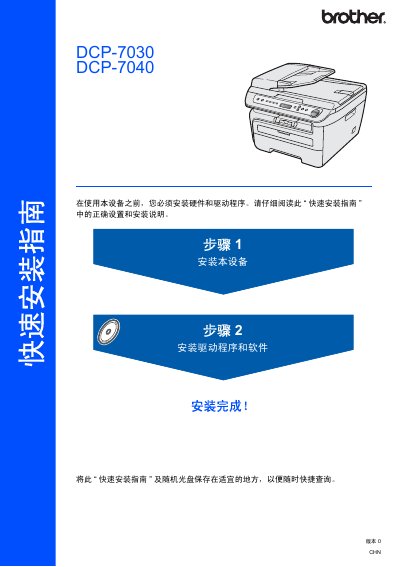
This guide provides the necessary instructions to install and configure the Brother DCP-7030 and DCP-7040 multifunction printers. It includes safety symbols, packing list details, and an overview of the control panel layout.
The document walks the user through hardware setup such as installing the toner cartridge, paper tray, power cord, and optional accessories, as well as installing drivers on Windows and Macintosh systems. It also covers language selection and USB cable requirements. This manual is written in Chinese.
| Maximum USB cable length | 2 meters (6 ft) |
|---|---|
| Automatic Document Feeder (ADF) | Only on DCP-7040 |
Turn off the power switch, connect the AC power cord to the device, then plug it into a grounded outlet.
Use a USB 2.0 cable no longer than 6 feet (2 meters).
The DCP-7040 model includes an ADF; the DCP-7030 does not.