
Key facts
- Brand
- ATEN
- Model
- KN9116
- Documents
- 3
- Languages
- EN · ZH
- Last added
- 2012-03-20
Start here
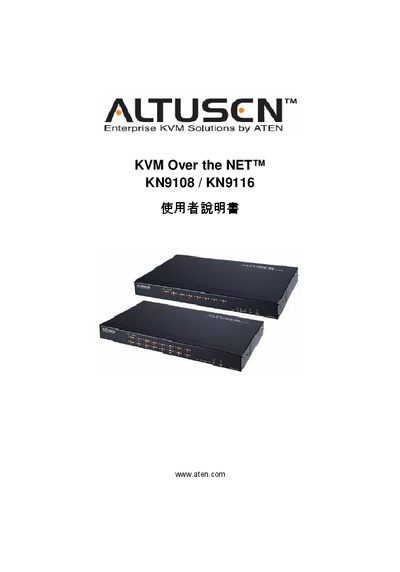
ATEN KN9108 / KN9116 KVM Over the NET User Manual
The ATEN KN9108 and KN9116 are KVM Over the NET switches that allow remote control of multiple computers over a network. This manual explains the product’s features, hardware components, and how to install and configure the devices.
The guide covers safety notices, FCC and RoHS compliance, packaging contents, installation steps, client software (Windows and Java), administrator functions, network and security settings, and warranty conditions. Technical support contact information is also provided. This manual is written in Chinese.
ATEN Altusen KN9116 specifications
| Package contents | 1 KVM Switch, 2 Custom KVM Cable Sets, 1 Power Cord, 1 Rack Mount Kit, 1 Foot Pad Set, 1 User Manual, 1 Quick Start Guide |
|---|---|
| FCC classification | Class A |
| RoHS compliance | Compliant |
| Manual part number | PAPE-0205-4AXG |
Source: ATEN KN9108 / KN9116 User Manual
All ATEN Altusen KN9116 documents by type
Day-to-day operation, settings and troubleshooting. Start here if the product is already set up.
Questions answered in these manuals
What should I do if components are missing from the package?
If anything is missing, or was damaged in shipping, contact your dealer.
How can I register my ATEN KVM switch?
Register online at the ATEN support site (http://support.aten.com) or the North America site (http://www.aten-usa.com/product_registration).
What is the warranty period for the KN9108 / KN9116?
The product is covered by a one‑year warranty from the date of purchase for material and workmanship defects.
How do I register the product?
Visit ATEN’s online support center – North America at www.aten-usa.com/product_registration and China at support.aten.com.
What is the warranty period?
The product has a one‑year limited warranty from the date of purchase covering material and workmanship defects.