
This manual covers the installation, operation, and maintenance of the ATEN KL1508Ai and KL1516Ai Dual Rail LCD KVM Switches, including hardware setup and…
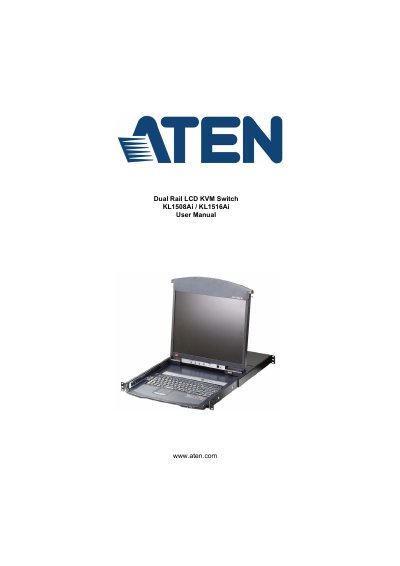
This document serves as the official user manual for the ATEN KL1508Ai and KL1516Ai Dual Rail LCD KVM Switches. It provides comprehensive instructions on hardware setup, including rack mounting and daisy chaining, as well as detailed guidance on operating the device via the local console, on-screen display (OSD), and remote web browser interfaces. The guide also covers advanced features such as hotkey operation, user management, and device administration.
| Max. Computer Connections (via Daisy Chain) | KL1508Ai: 128; KL1516Ai: 256 |
|---|---|
| Console Ports | KL1508Ai: 1 x 6-pin Mini-DIN Female (Purple); KL1516Ai: 1 x USB Type-A Female (White) |
| KVM Ports | KL1508Ai: 8 x RJ-45 Female; KL1516Ai: 16 x RJ-45 Female |
| Power | 1 x 3-prong AC socket |
The KL1508Ai supports up to 128 computers and the KL1516Ai supports up to 256 computers via daisy chaining.
The KVM ports utilize RJ-45 Female connectors.