
This document is the user manual for USB 2.0 DVI KVMP Switch CS1782, describing the features and characteristics of the product.
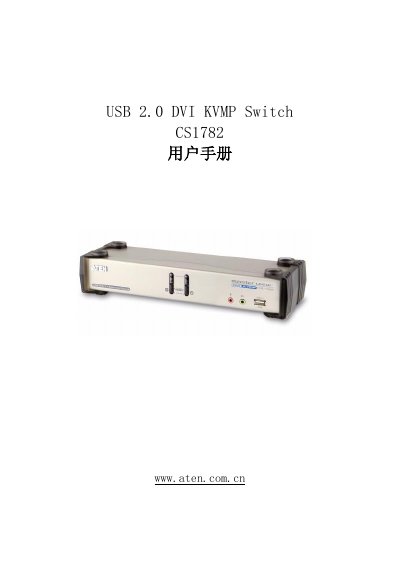
This manual explains how to install, configure and operate the ATEN CS1782 KVMP switch, which combines a 2‑port KVM switch, a 2‑port USB 2.0 hub and a DVI‑I video interface. It covers hardware setup, cable connections, hot‑key functions, keyboard emulation, firmware updates and safety information.
The document also includes detailed product specifications, environmental limits, troubleshooting tables and warranty terms, helping users resolve common issues such as unresponsive USB devices or video ghosting. This manual is written in Chinese.
| Number of computer connections | 2 |
|---|---|
| Keyboard USB Type A ports (rear) | 1 |
| Mouse USB Type A ports (rear) | 1 |
| USB hub ports | 2 USB Type A (front and rear) |
| Operating temperature | 0 °C – 50 °C |
| Storage temperature | -20 °C – 60 °C |
| Weight | 0.94 kg |
| Dimensions (L×W×H) | 27.00 mm × 8.80 mm × 5.55 mm |
Unplug the keyboard/mouse cable from the control end and plug it back in.
DVI‑D supports up to 2560 × 1600 @ 60 Hz (Dual Link) and also Apple 20", 23", 30" Cinema Displays.