
This manual covers installation, configuration, and operation of the ATEN CL1008 and CL1016 LCD KVM switches, including hardware setup, OSD usage, hotkey…
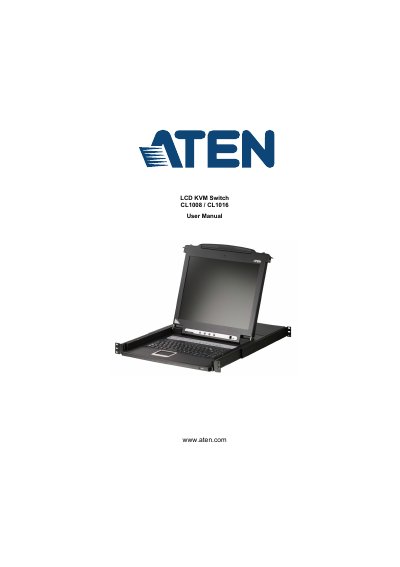
The document serves as a comprehensive guide for the ATEN CL1008 and CL1016 LCD KVM Switches. It details the product's purpose, features, and requirements, followed by step-by-step instructions for hardware setup, including standard rack mounting and daisy chain installation configurations.
| Computer Connections | Direct 8 Max 128 (via Daisy Chain) |
|---|---|
| Port Selection Methods | OSD; Hotkey; Pushbutton Switches |
| Connectors (KVM Ports) | 8 x SPHD-15 Female (Yellow) |
| Video Resolution | 1280 x 1024 @ 75 Hz; DDC2B |
| Power Consumption (120V) | 15W |
| Operating Temperature | 0–40 o C |
The CL1008 supports a direct connection to 8 computers, with a maximum of 128 computers when using a daisy chain configuration.
Ports can be selected using the On-Screen Display (OSD), Hotkey mode, or physical pushbutton switches.
The device supports a video resolution of 1280 x 1024 at 75 Hz with DDC2B.