
This document is the instruction manual for TDP-S35C TDP-SC35C(SVGA) data projector, which introduces the features and characteristics of the product and how to use it.
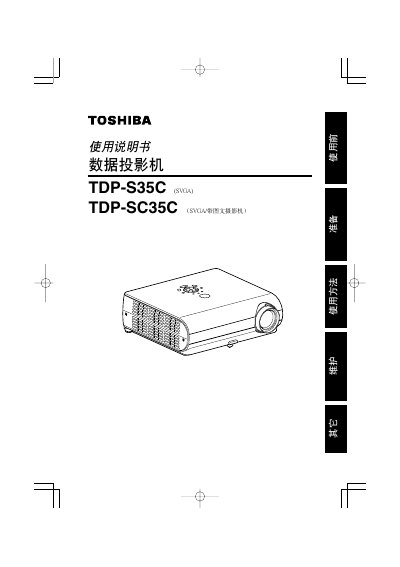
This manual provides instructions for the safe operation and maintenance of the Toshiba TDP-S35C and TDP-SC35C data projectors. It details important safety precautions, such as avoiding moisture, ensuring proper ventilation, and handling the high-voltage components inside the unit. The document also covers setup procedures, including connecting power and video signals, and explains how to use the various input terminals like COMPUTER, MONITOR, and S-VIDEO. This manual is written in Chinese.
| Power Consumption | 250 W |
|---|---|
| Weight (TDP-S35C) | 3.0 kg |
| Weight (TDP-SC35C) | 3.9 kg |
| Display Pixels | 480,000 pixels (800H x 600V) |
| Brightness (ISO) | 2000 lumens |
| Brightness (SJ/T) | 1600 lumens |
| Lamp Type | High-pressure mercury lamp |
| Projection Screen Size | 31 - 300 inches |
| Projection Distance | 1.26 - 10.50 m |
No, do not open the cover as there are dangerous high-voltage parts inside that can cause electric shock.
Wait at least two hours to allow condensation to disappear before using the machine.