
Key facts
- Brand
- Philips
- Model
- TSU9600
- Documents
- 2
- Languages
- ZH
- Last added
- 2000-01-01
Start here
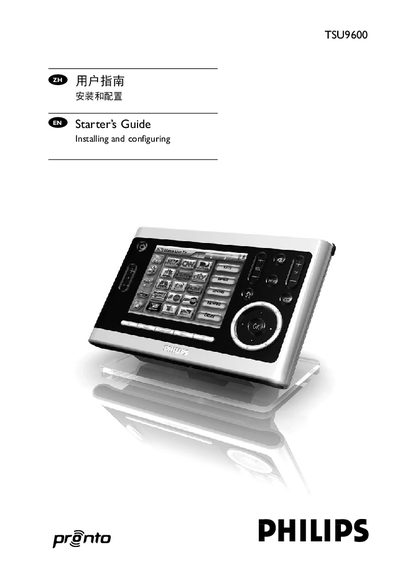
Philips TSU9600 Starter’s Guide
This guide walks you through the steps needed to install and configure the Philips Pronto TSU9600 control panel, including charging the panel, installing ProntoEdit Professional, and creating custom configuration files. It also covers how to connect the panel to Wi‑Fi, extenders and A/V equipment.
Additional sections explain battery replacement, troubleshooting common issues, and provide detailed technical specifications such as display, memory, IR range and power requirements. Links to firmware updates and further support are included at the end of the document. This manual is written in Chinese.
Philips TSU9600 specifications
| Display | 3.7" TFT color display with touch screen |
|---|---|
| Resolution | VGA 640 × 480 pixels |
| Colors | 65,536 colors |
| Infrared operating distance | Maximum 36 ft (12 m) |
| Wireless system | Wi‑Fi 2.4 GHz |
| Memory | 64 MB SDRAM, 64 MB NAND flash |
| Battery | Lithium‑ion 2100 mAh |
| Dimensions (control panel) | 6.2 × 3.9 × 1.3 in (157 × 100 × 34 mm) |
| Operating temperature | 41 °F – 113 °F (5 °C – 45 °C) |
Source: Philips TSU9600 User Manual
All Philips TSU9600 documents by type
Day-to-day operation, settings and troubleshooting. Start here if the product is already set up.
Questions answered in these manuals
How do I know when the TSU9600 control panel needs charging?
When the battery‑level icon on the screen turns red, the panel needs to be charged.
How can I calibrate the touch screen?
Press the Calibrate button and then tap the four corners of the screen as instructed.