
The TSU9600 User Guide provides information on using the control panel to operate your home theater system.
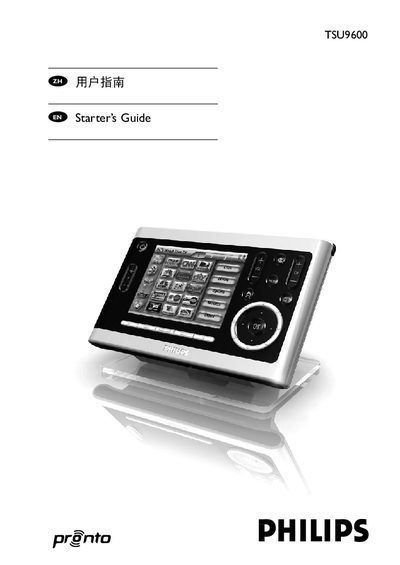
The TSU9600 is a Pronto control panel designed for home‑theater systems, featuring a 3.7‑inch touch screen, IR remote capability, and Wi‑Fi connectivity. It is pre‑programmed by the installer and includes configurable settings for power, screen, and network.
This manual explains how to charge the panel, operate the touchscreen, adjust settings, perform maintenance, troubleshoot common issues, and lists the technical specifications of the device. This manual is written in Chinese.
| Display | 3.7" TFT color display with touch screen |
|---|---|
| Resolution | VGA 640 × 480 pixels |
| Colors | 65,536 colors |
| Infrared operating distance | Maximum 36 ft (12 m) |
| Wireless system | Wi‑Fi 2.4 GHz |
| Memory | 64 MB SDRAM, 64 MB NAND flash |
| Battery | Lithium‑ion 2100 mAh |
| Dimensions (control panel) | 6.2 × 3.9 × 1.3 in (157 × 100 × 34 mm) |
| Operating temperature | 41 °F – 113 °F (5 °C – 45 °C) |
When the battery‑level icon on the screen turns red, the panel needs to be charged.
Press the Calibrate button and then tap the four corners of the screen as instructed.
The panel powers on by tilting it, tapping the screen, pressing the back‑light button, or pressing any firm key.