
The TSU9600 is the third generation of home theater control panels. Designed by custom installers, engineered by Philips, it incorporates all the technology and features needed for simple, intuitive operation of a home theater. The system is IP-based and can be controlled wirelessly via Pronto Extenders. Using ProntoEdit Professional, you can create any configuration graphically, or simply start from a default configuration file to save time.
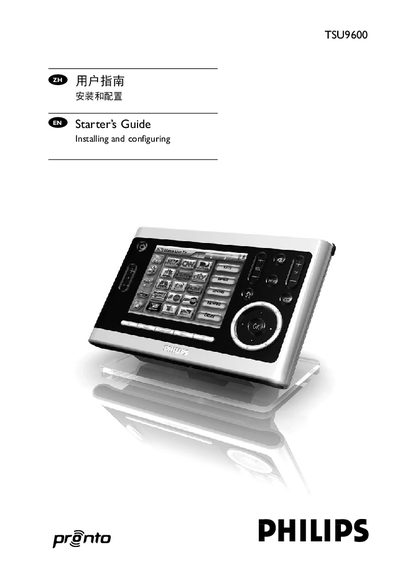
This guide walks you through the steps needed to install and configure the Philips Pronto TSU9600 control panel, including charging the panel, installing ProntoEdit Professional, and creating custom configuration files. It also covers how to connect the panel to Wi‑Fi, extenders and A/V equipment.
Additional sections explain battery replacement, troubleshooting common issues, and provide detailed technical specifications such as display, memory, IR range and power requirements. Links to firmware updates and further support are included at the end of the document. This manual is written in Chinese.
| Resolution | 640 × 480 pixels (VGA) |
|---|---|
| Infrared (IR) operating distance | Maximum 36 ft (12 m) |
| Memory | 64 MB SDRAM, 64 MB NAND flash |
| Battery | Lithium‑ion 2100 mAh |
| Power Adapter | 100‑240 V AC, 5 V DC / 2 A output |
| Dimensions (Control Panel) | 6.2 × 3.9 × 1.3 in (157 × 100 × 34 mm) |
| Operating Temperature | 41 °F – 113 °F (5 °C – 45 °C) |