
Key facts
- Brand
- Philips
- Model
- MCD268
- Documents
- 3
- Languages
- ZH · EN
- Last added
- 2011-10-09
Start here
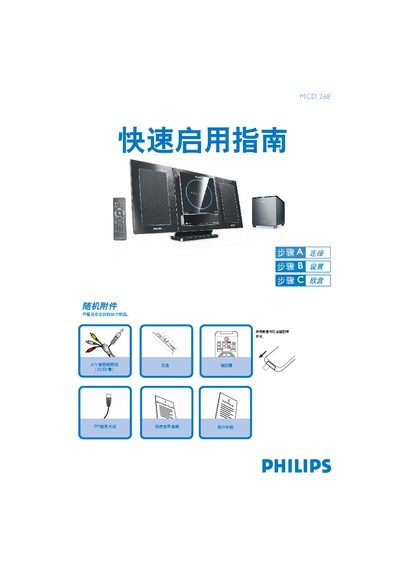
Philips MCD 268 Quick Start Guide
This Quick Start Guide provides step‑by‑step instructions for getting the Philips MCD 268 Hi‑Fi system up and running. It explains how to connect the A/V cables, FM antenna, speaker cables and power, as well as how to select the correct video input on your TV.
The guide also covers basic operation such as setting the clock, programming radio stations, playing CDs, DVDs and USB audio files, and adjusting playback options. Important safety notes and troubleshooting tips are included throughout. This manual is written in Chinese.
Philips MCD268 specifications
| Power supply voltage | 24V DC |
|---|---|
| Supported disc formats | DVD, VCD, SVCD, DVD+RW, CD, CD‑R(W), JPEG, WMA, DivX, MP3‑CD |
| Remote control battery type | CR2025 lithium |
All Philips MCD268 documents by type
Day-to-day operation, settings and troubleshooting. Start here if the product is already set up.
The shortest path to a working setup, usually only a few pages.
Questions answered in these manuals
How can I program radio stations?
Press the SOURCE or TUNER key, hold the PROGRAM key for more than two seconds, then follow the band order to program all receivable stations; use PRESET keys to store desired stations.
How can I register my Philips MCD268?
Register the product at www.philips.com/welcome.
How do I connect the speakers to the MCD268?
Place the unit on a stable surface, remove the rear cover, and connect the right speaker to the RRIGHT terminal and the left speaker to the LEFT terminal, then connect the subwoofer cable as described.