
This quick start guide introduces how to connect, set up and enjoy the MCD 268 Home Theatre System.
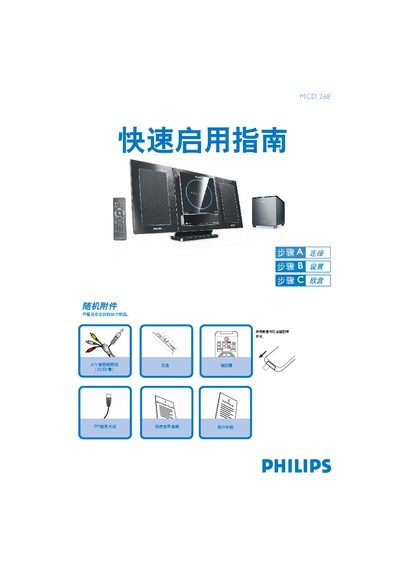
This Quick Start Guide provides step‑by‑step instructions for getting the Philips MCD 268 Hi‑Fi system up and running. It explains how to connect the A/V cables, FM antenna, speaker cables and power, as well as how to select the correct video input on your TV.
The guide also covers basic operation such as setting the clock, programming radio stations, playing CDs, DVDs and USB audio files, and adjusting playback options. Important safety notes and troubleshooting tips are included throughout. This manual is written in Chinese.
| USB support | USB 2.0 or USB 1.1 |
|---|---|
| A/V cable colors | Red / White / Yellow |
Press the SOURCE or TUNER key, hold the PROGRAM key for more than two seconds, then follow the band order to program all receivable stations; use PRESET keys to store desired stations.