
This is a product manual of Philips MCD268 DVD Micro Theatre 2
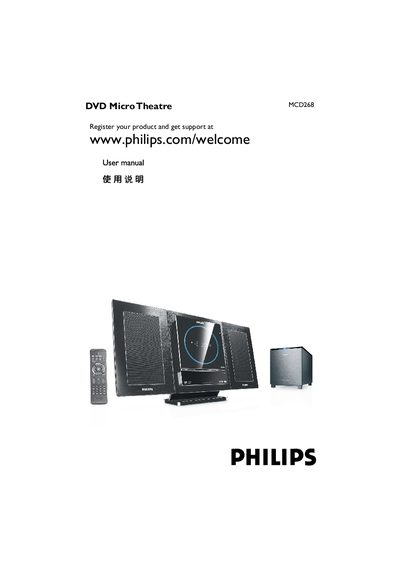
This manual covers everything needed to install and use the Philips MCD268 DVD Micro Theatre, including registration, safety precautions, wiring, speaker and antenna connections, and remote‑control setup. Detailed sections explain supported disc formats, video and audio settings, and how to adjust picture, sound, and parental controls.
Technical specifications, environmental information, and a comprehensive troubleshooting guide are included to help resolve common issues such as playback failures, audio problems, and remote‑control malfunctions.
| Power supply voltage | 24V DC |
|---|---|
| Supported disc formats | DVD, VCD, SVCD, DVD+RW, CD, CD‑R(W), JPEG, WMA, DivX, MP3‑CD |
| Remote control battery type | CR2025 lithium |
Register the product at www.philips.com/welcome.
Place the unit on a stable surface, remove the rear cover, and connect the right speaker to the RRIGHT terminal and the left speaker to the LEFT terminal, then connect the subwoofer cable as described.