
This document provides the user manual and quick start guide for the Philips DCD3020 R audio device. The device features multiple input interfaces and USB MP3 link functionality.
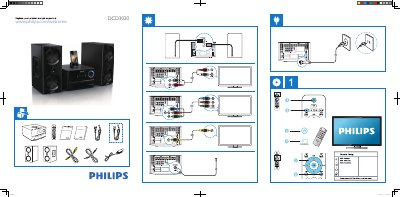
This guide helps you register your Philips DCD3020 and get support via the Philips website. It walks you through the General Setup menu, where you can select the OSD language, configure DivX VOD codes, and manage DivX deactivation.
To exit the menu, simply press the SYSTEM MENU button. The guide also includes timestamps and copyright information for reference.
Visit www.philips.com/welcome to register your product and obtain support.
Press the SYSTEM MENU button to leave the menu.