
This document describes the features and characteristics of the Philips 241P4Q series monitor, including SmartImage, SmartContrast, SmartSaturate, SmartSharpness, and more.
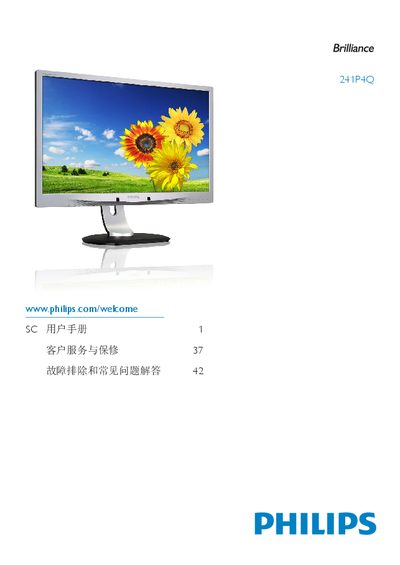
This manual covers important safety information, proper handling, and environmental requirements for the Philips 241P4Q monitor. It explains how to install the display on a flat surface or VESA mount, connect power and video cables, and configure basic settings.
The guide also describes the on‑screen display (OSD) functions such as color temperature, sRGB mode, and brightness adjustments, and provides troubleshooting tips, warranty details, and recycling information.
| Resolution | 1920 × 1080 |
|---|---|
| Refresh Rate | 60 Hz |
| Operating Humidity | 20 % – 80 % RH |
Yes. The monitor includes VESA mounting holes that allow it to be attached to standard VESA brackets.
Yes. All Philips monitors are fully compatible with standard PC and Mac systems; use the appropriate video cable.
Refer to the troubleshooting section; if the display shows abnormal colors or image retention, follow the OSD reset steps or contact Philips service.