
Philips 241P4 Monitor User Manual covering safety, installation, operation, PowerSensor, ErgoSensor, specs, power management, warranty, troubleshooting and FAQ.
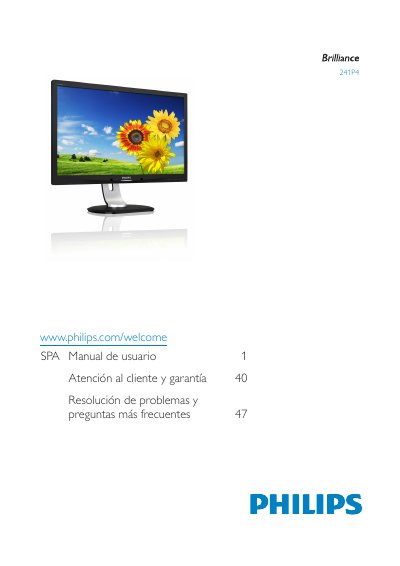
This Philips 241P4 Monitor User Manual provides safety precautions, installation instructions, and operating guidance for the monitor. It explains how to connect cables, use the on-screen display controls, and select SmartImage viewing modes.
The manual also covers PowerSensor and ErgoSensor functions, webcam use, technical specifications, power management, customer service and warranty, plus troubleshooting and frequently asked questions. This manual is written in Spanish.
| Operating temperature | 0 - 40 °C (32 - 95 °F) |
|---|---|
| Humidity | 20 - 80% HR |
Wait 6 seconds before reconnecting the cable to use it again.
Turn it off immediately and disconnect the power cord.
Use the monitor in an environment with a temperature of 0 - 40 °C (32 - 95 °F).