
This document is the user manual of Philips SC-226V3L printer, which contains the use instructions, troubleshooting and FAQs of the printer.
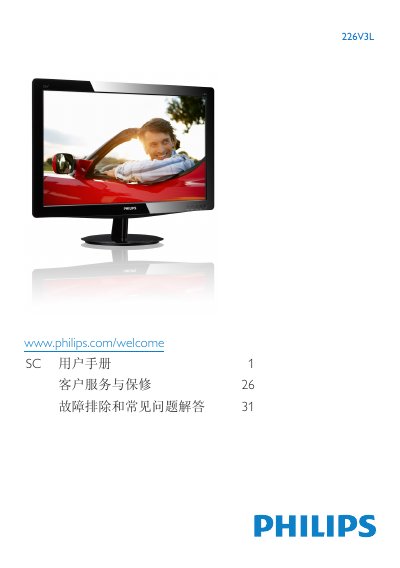
This manual covers safety precautions, warranty conditions, and proper handling of the Philips 226V3L LCD monitor. It explains how to install the monitor on its base, connect video and audio cables, and set up the on‑screen display (OSD) features such as brightness, contrast, and color temperature.
Additional sections describe recycling guidelines, environmental compliance, and a detailed FAQ that answers common questions about cleaning the screen, adjusting settings, and connecting the monitor to PCs or Macs. This manual is written in Chinese.
| Operating Temperature | 0 °C – 32‑95 °F |
|---|---|
| Operating Humidity | 20 % – 80 % RH |
| Resolution | 1920 × 1080 @ 60 Hz |
| Color Temperature Options | 6500 K, 9300 K |
Use a dry, soft cloth. If needed, a mild cleaning solution can be used, but avoid alcohol or other solvents.