
Key facts
Start here
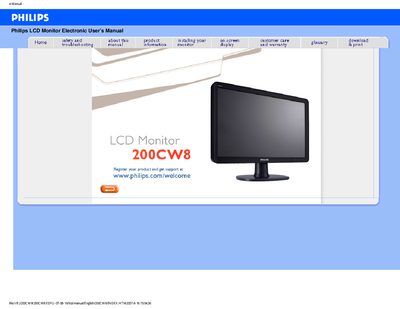
Philips 200CW8 LCD Monitor User Manual
This manual covers the Philips 200CW8 LCD monitor, providing safety precautions, installation guidance, and detailed FAQs to help users set up and operate the display.
It also includes technical specifications such as recommended resolution, environmental limits, and connectivity options, along with information on VESA mounting and maintenance.
Philips 200CW8 specifications
| Power input | 100 ~ 240 VAC, 50/60 Hz |
|---|---|
| Recommended resolution | 1680 × 1050 @ 60 Hz |
| VESA mounting pattern | VESA pattern supported |
All Philips 200CW8 documents by type
Day-to-day operation, settings and troubleshooting. Start here if the product is already set up.
Questions answered in these manuals
安装显示器时出现 “Cannot display this video mode”,该怎么办?
将分辨率设置为 1680 × 1050 @ 60 Hz,按 OK 进入 OSD,确认并重新启动电脑即可。
液晶显示器中的刷新率有什么意义?
对 LCD 来说,刷新率并不关键,60 Hz 已能提供稳定、无闪动的图像。
When I install my monitor what should I do if the screen shows 'Cannot display this video mode'?
Set the monitor to the recommended video mode of 1680x1050 @60Hz, adjust the settings in Windows Display Control Panel, and restart the computer.
What does 'refresh rate' mean for an LCD monitor?
Refresh rate is less relevant for LCDs; they display a stable, flicker‑free image at 60 Hz.