
This document is the e-Manual for Philips LCD Monitor, which provides information on safety precautions, troubleshooting, maintenance, etc. for the product.
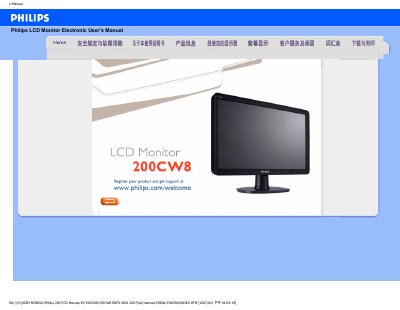
This electronic user manual provides safety instructions, common‑question answers, troubleshooting steps and regulatory information for the Philips 190CW8 LCD monitor. It also describes screen‑adjustment procedures, compatibility with other devices, and details on LCD technology and ergonomics.
The guide includes sections on power specifications, VESA mounting, driver installation, and energy‑saving features, helping users set up the monitor for optimal performance and comply with CE and ENERGY STAR standards. This manual is written in Chinese.
| Power input | 100 ~ 240 VAC, 50/60 Hz |
|---|---|
| Recommended resolution | 1680 × 1050 @ 60 Hz |
| VESA mounting pattern | VESA pattern supported |
将分辨率设置为 1680 × 1050 @ 60 Hz,按 OK 进入 OSD,确认并重新启动电脑即可。
对 LCD 来说,刷新率并不关键,60 Hz 已能提供稳定、无闪动的图像。
不能,使用隔行扫描会导致图像失真。