
Key facts
Start here
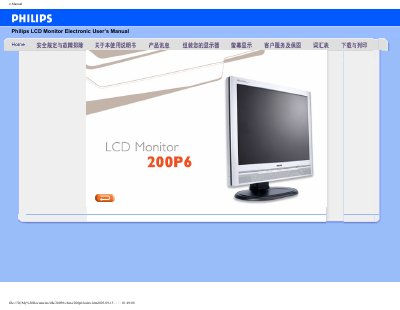
Philips 200P6 LCD Monitor User Manual
This manual covers safety and troubleshooting information for the Philips 200P6 LCD monitor, including warnings, proper handling and basic fault diagnosis. It also describes the monitor’s features, connection options and supported video resolutions.
A list of Philips consumer information centres worldwide is provided, giving phone numbers and addresses for service and warranty support in regions such as India, Korea, Malaysia, Pakistan, Singapore, Taiwan and South Africa.
Philips 200P6 specifications
| Screen size | 20.1 inch / 51 cm |
|---|---|
| Maximum resolution | 1600 x 1200 |
| Pixel pitch | 0.255 x 0.255 mm |
| Dimensions | 461 x 438 x 214 mm |
All Philips 200P6 documents by type
Day-to-day operation, settings and troubleshooting. Start here if the product is already set up.
Questions answered in these manuals
What is the maximum resolution of the Philips 200P6?
The manual lists a maximum resolution of 1600 x 1200.
What is the screen size of the Philips 200P6?
The manual lists a screen size of 20.1 inch / 51 cm.
What safety information does the manual contain?
The manual includes a “Safety and Troubleshooting Information” section that outlines warnings, safe handling and basic fault diagnosis.
Where can I find Philips service centres for this monitor?
Consumer Information Centers are listed for many countries, for example India, Korea, Malaysia, Pakistan, Singapore, Taiwan and South Africa.
What should I do if the monitor does not operate normally?
Contact a service technician if the monitor cannot operate normally or if you are unsure which procedure to follow.
How should I clean the monitor?
Turn off the monitor and unplug it. Use a dry cloth, and do not use solvents such as alcohol.