
This electronic user’s manual provides safety precautions and maintenance information for Philips LCD monitors, including FAQs, troubleshooting, regulatory information and other related information.
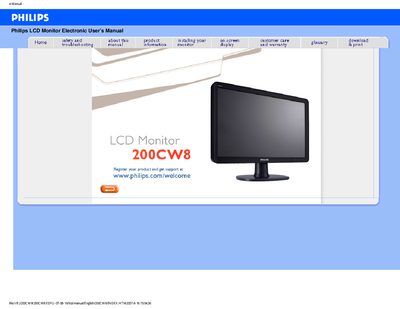
This manual covers the Philips 200CW8 LCD monitor, providing safety precautions, installation guidance, and detailed FAQs to help users set up and operate the display.
It also includes technical specifications such as recommended resolution, environmental limits, and connectivity options, along with information on VESA mounting and maintenance.
| Recommended resolution | 1680x1050 @60Hz |
|---|---|
| Operating temperature | 0-40°C (32-95°F) |
| Operating humidity | 20-80% RH |
| VESA mounting | Standard VESA mount holes |
| USB connectivity | USB port for peripheral connections |
| Power cord | Approved Philips power cord required |
Set the monitor to the recommended video mode of 1680x1050 @60Hz, adjust the settings in Windows Display Control Panel, and restart the computer.
Refresh rate is less relevant for LCDs; they display a stable, flicker‑free image at 60 Hz.
Use a clean, soft cloth for normal cleaning; for extensive cleaning, use isopropyl alcohol and avoid organic solvents.
Yes, the monitor has standard VESA mount holes for wall or arm mounting.