
Key facts
- Brand
- Philips
- Model
- 192EL2
- Documents
- 4
- Languages
- EN · ZH
- Last added
- 2012-02-19
Start here
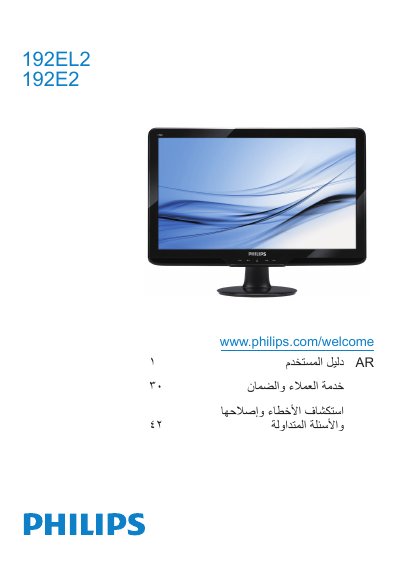
Philips 192EL2/192E2 Monitor User Manual
This manual provides step‑by‑step instructions for installing and operating the Philips 192EL2/192E2 monitor. It includes a quick‑start guide, detailed OSD menu settings, picture format options and safety information.
The document also contains environmental disposal guidelines, recycling information for European and Asian regions, and a full list of technical specifications such as brightness, contrast, color temperature and supported interface languages.
Philips 192EL2 specifications
| Panel size | 18.5 inches (47.0 cm) |
|---|---|
| Resolution | 1366 x 768 @ 60 Hz |
| Brightness | 250 cd/m² |
| Contrast (typical) | 1000:1 |
| Response time (typical) | 5 ms |
| Color depth | 16.7 million colors |
| Backlight type | CCFL (192E2) / LED (192EL2) |
| Power consumption (typical) | 192E2 < 15 W, 192EL2 < 12 W |
All Philips 192EL2 documents by type
Day-to-day operation, settings and troubleshooting. Start here if the product is already set up.
Questions answered in these manuals
What should I do if the monitor shows “Cannot display this video mode”?
Set the PC to the recommended resolution of 1366 × 768 at 60 Hz, then reconnect the monitor.
How can I clean the LCD screen safely?
Wipe the screen with a clean, soft dry cloth and avoid using alcohol, acetone, or other solvents.
What is the recommended refresh rate for this monitor?
The recommended refresh rate is 60 Hz; you may increase it to 75 Hz if you experience interference.