
Key facts
- Brand
- Philips
- Model
- 192EI
- Documents
- 2
- Languages
- ZH · EN
- Last added
- 2012-01-04
Start here
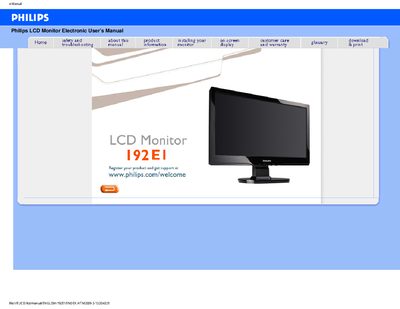
PHILIPS LCD Monitor 192EI Manual
This manual covers the safe handling, installation, and operation of the Philips 192E1 LCD monitor. It includes safety precautions, power‑up procedures, cleaning instructions, and warranty information.
Key sections include FAQs, screen‑adjustment procedures, compatibility notes, technical specifications, pixel‑defect policy, and pin‑assignment details, helping users configure the monitor and resolve common issues. This manual is written in Chinese.
Philips 192EI specifications
| LCD Panel Type | TFT LCD |
|---|---|
| Screen Size | 18.5" visual |
| Resolution | 1366 x 768 pixels |
| Pixel Pitch | 0.3 x 0.3 mm |
| Vertical Refresh Rate | 56 Hz‑76 Hz |
| Horizontal Frequency | 30 kHz‑83 kHz |
| Power Consumption | <35 W (typ.) |
| Power Supply | 100 ~ 240 VAC, 50/60 Hz |
| Tilt Range | -5° ~ 20° |
| Operating Temperature | 0° C to 40° C |
Source: PHILIPS LCD Monitor 192EI Manual
All Philips 192EI documents by type
Day-to-day operation, settings and troubleshooting. Start here if the product is already set up.
Questions answered in these manuals
When I install my monitor what should I do if the screen shows 'Cannot display this video mode'?
Set the monitor to the recommended video mode of 1366 × 768 @ 60 Hz using the Windows display settings, then restart the computer.
What does 'refresh rate' mean in connection with an LCD monitor?
For LCD monitors the refresh rate is less critical; they display a stable, flicker‑free image at 60 Hz, with no visible difference between higher rates.
What should I do if the monitor shows "Cannot display this video mode"?
Set the display resolution to 1366 × 768 at 60 Hz using the monitor’s OSD settings.