
Philips 192EL2 192E2 monitor user manual, introduces the features and characteristics of the monitor, including installation, operation, product information, technical specifications, regulations, customer service and warranty, troubleshooting and FAQs.
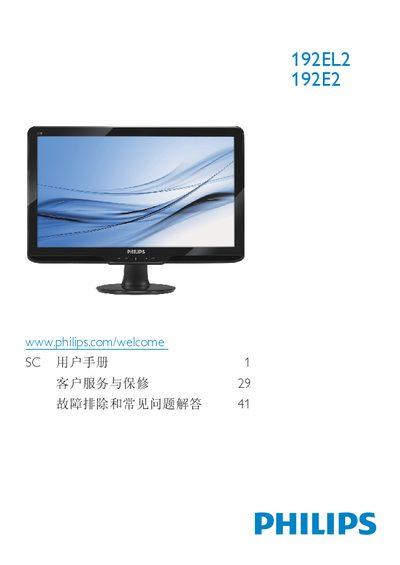
This manual covers safety measures, proper handling, and warranty conditions for the Philips 192EL2/192E2 LCD monitor. It explains how to install the base, connect power and video cables, and adjust the on‑screen display (OSD) settings.
The document also lists the monitor’s technical specifications, such as panel size, resolution, brightness, and power consumption, and provides a detailed FAQ section for common issues like video mode errors, cleaning, and wall‑mount installation. This manual is written in Chinese.
| Panel size | 18.5 inches (47.0 cm) |
|---|---|
| Resolution | 1366 x 768 @ 60 Hz |
| Brightness | 250 cd/m² |
| Contrast (typical) | 1000:1 |
| Response time (typical) | 5 ms |
| Color depth | 16.7 million colors |
| Backlight type | CCFL (192E2) / LED (192EL2) |
| Power consumption (typical) | 192E2 < 15 W, 192EL2 < 12 W |
Set the PC to the recommended resolution of 1366 × 768 at 60 Hz, then reconnect the monitor.
Wipe the screen with a clean, soft dry cloth and avoid using alcohol, acetone, or other solvents.
Yes, the monitor supports VESA 100 × 100 mm mounting holes for wall‑mount kits.