
Key facts
- Brand
- Philips
- Model
- 191EL
- Documents
- 3
- Languages
- IT · ZH
- Last added
- 2011-09-28
Start here
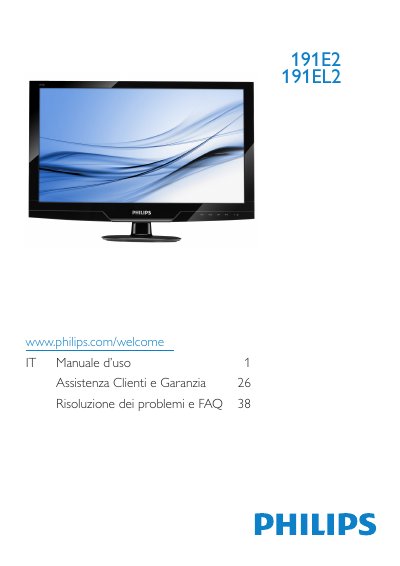
Philips 191E2/191EL2 LCD Monitor User Manual
User Manual 47 pages · IT
This manual provides instructions for the Philips 191E2/191EL2 LCD monitor. It covers safety precautions, installation steps including base attachment and PC connection, and detailed descriptions of the On-Screen Display (OSD) menu for adjusting picture settings like brightness, contrast, and color temperature. The document also explains features such as SmartImage Lite and SmartContrast. This manual is written in Italian.
Read onlinePhilips 191EL specifications
| Native Resolution | 1366x768 at 60Hz |
|---|---|
| Color Temperature Options | 5000K, 6500K, 7500K, 8200K, 9300K, 11500K |
| Operating Temperature | 0-40°C (32-95°F) |
| Operating Humidity | 20-80% RH |
All Philips 191EL documents by type
User Manual 3
Day-to-day operation, settings and troubleshooting. Start here if the product is already set up.
Questions answered in these manuals
What resolution should be used for optimal performance?
The monitor is designed for optimal performance at its native resolution of 1366x768 at 60Hz.
What happens if a different resolution is used?
An alert message will appear at startup warning the user to use the native resolution for best performance.