
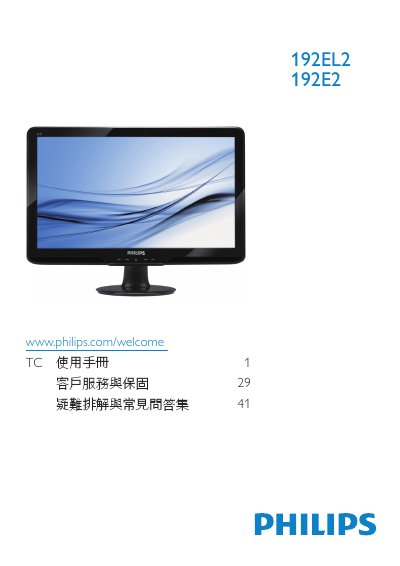
This manual provides step-by-step instructions for installing and operating the Philips 41192EL2 192E2 monitor. It includes safety precautions, setup procedures, technical specifications, and troubleshooting tips. The guide also covers product features like SmartImage Lite and SmartContrast, along with display settings and input source switching. Safety warnings are emphasized to prevent damage or injury during use or maintenance. This manual is written in Chinese.
| Resolution | 1366 x 768 @ 60Hz |
|---|---|
| Operating Temperature | 0-40℃ |
| Operating Humidity | 20-80% RH |
The monitor is designed to perform best at 1366 x 768 @ 60Hz.
Connect the power cable to the back of the monitor, then connect the video cable (VGA or DVI) to the computer’s video port. Plug both into power outlets and turn on the devices.
To prevent screen burn-in, activate a screen saver or application that updates the display regularly.