
Key facts
- Brand
- Panasonic
- Model
- PV-GS500
- Category
- Camcorders
- Industry
- Electronics
- Documents
- 2
- Languages
- EN
- Last added
- 2012-08-09
Start here
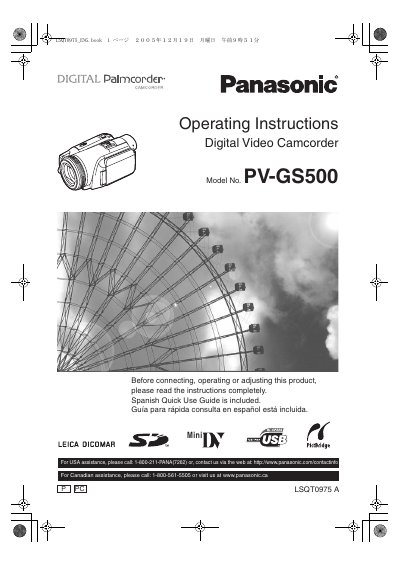
Panasonic PV-GS500 Digital Video Camcorder Operating Instructions
User Manual 96 pages · 4.7 MB · EN
This document provides operating instructions for the Panasonic PV-GS500 Digital Video Camcorder. It includes important safety precautions, such as warnings against exposing the equipment to rain or moisture and aiming the lens at the sun. The manual also details the proper handling and storage of the device to prevent damage to internal parts and the lens coating.
Read onlinePanasonic PV-GS500 specifications
| Model | PV‑GS500 |
|---|---|
| Battery type | Lithium ion/polymer (recyclable) |
| Recording modes | Standard Play (SP) and Long Play (LP) |
| FCC compliance | Class B digital device, Part 15 |
All Panasonic PV-GS500 documents by type
User Manual 2
Day-to-day operation, settings and troubleshooting. Start here if the product is already set up.
Questions answered in these manuals
How can I prevent fire or electric shock when using the camcorder?
Keep the camcorder and power supply away from rain or moisture, do not open the unit, and use only the recommended accessories.
Is a Spanish quick‑use guide included with the manual?
Yes, a Spanish quick‑use guide is included.