
Key facts
- Brand
- Panasonic
- Model
- PV-GS15
- Category
- Digital cameras
- Documents
- 2
- Languages
- EN
- Last added
- 2012-08-09
Start here
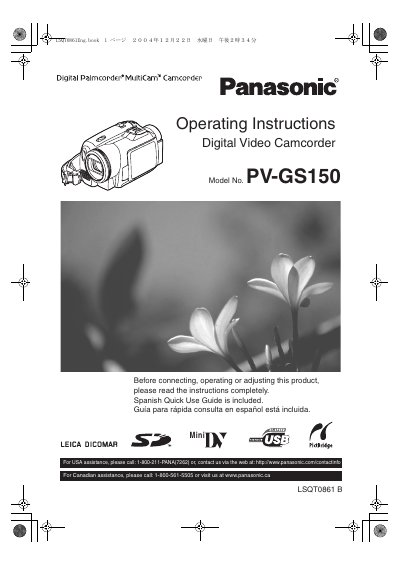
Panasonic PV-GS150 Digital Video Camcorder Operating Instructions
This is the Panasonic PV-GS150 Digital Video Camcorder Operating Instructions (document number LSQT0861). The opening pages cover safety precautions, FCC notes, important safety instructions, precautions for use and location, care, and an end user license agreement for the included software. A Spanish Quick Use Guide is noted as included.
The text identifies the product as a Mini Digital Video Camcorder, model PV-GS150, designed to record and play back in Standard Play (SP) and Long Play (LP) modes. It also includes contact information for USA and Canadian assistance.
Panasonic PV-GS15 specifications
| Model number | PV-GS150 |
|---|---|
| Recording/playback modes | Standard Play (SP) and Long Play (LP) |
| Battery type | Lithium ion/polymer |
Source: Panasonic PV-GS150 Digital Video Camcorder Operating Instructions
All Panasonic PV-GS15 documents by type
Day-to-day operation, settings and troubleshooting. Start here if the product is already set up.
Questions answered in these manuals
What should I do if the camcorder gets wet?
Do not connect the power supply or operate the camcorder if it gets wet; it is not designed to sustain direct exposure to water, rain, sleet, snow, sand, dust or splashing.
From: Panasonic PV-GS150 Digital Video Camcorder Operating Instructions
How should I clean the camcorder lens?
Do not touch the lens surface with your hand; use a commercial camcorder lens solution and lens paper.
From: Panasonic PV-GS150 Digital Video Camcorder Operating Instructions
What modes is the camcorder designed to record and play back in?
The camcorder is designed to record and play back in Standard Play (SP) mode and Long (LP) mode.
From: Panasonic PV-GS9/GS12/GS14/GS15 Digital Video Camcorder Operating Instructions
Where is the serial number located on the camcorder?
The serial number is on the tag located on the underside of your Camcorder.
From: Panasonic PV-GS9/GS12/GS14/GS15 Digital Video Camcorder Operating Instructions