
Key facts
- Brand
- Panasonic
- Model
- PV-GS12
- Category
- Digital cameras
- Documents
- 2
- Languages
- EN
- Last added
- 2012-08-09
Start here
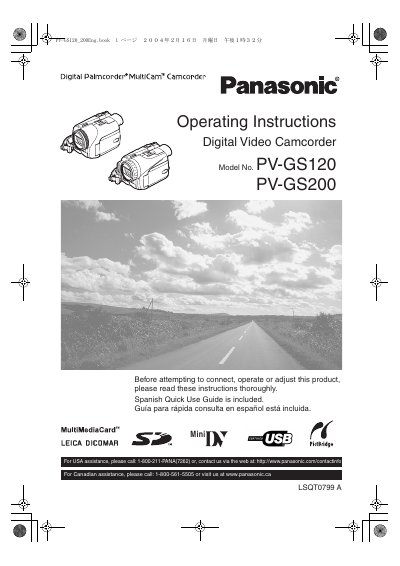
Panasonic PV-GS120/PV-GS200 Digital Video Camcorder Operating Instructions
This manual provides operating instructions for the Panasonic PV-GS120 and PV-GS200 Digital Video Camcorders. It includes safety precautions, setup guidelines, and operational procedures for recording and playback in Standard Play (SP) and Long Play (LP) modes. The document also details the use of accessories like the AC Adaptor and SD cards.
Read onlineAll Panasonic PV-GS12 documents by type
Day-to-day operation, settings and troubleshooting. Start here if the product is already set up.
Questions answered in these manuals
What recording modes are supported?
The camcorder is designed to record and play back in Standard Play (SP) mode and Long Play (LP) mode.
From: Panasonic PV-GS120/PV-GS200 Digital Video Camcorder Operating Instructions
What type of tapes are recommended?
It is recommended that only cassette tapes that have been tested and inspected for use with the "DV mark" be used.
From: Panasonic PV-GS120/PV-GS200 Digital Video Camcorder Operating Instructions
What modes is the camcorder designed to record and play back in?
The camcorder is designed to record and play back in Standard Play (SP) mode and Long (LP) mode.
From: Panasonic PV-GS9/GS12/GS14/GS15 Digital Video Camcorder Operating Instructions
Where is the serial number located on the camcorder?
The serial number is on the tag located on the underside of your Camcorder.
From: Panasonic PV-GS9/GS12/GS14/GS15 Digital Video Camcorder Operating Instructions