
Key facts
- Brand
- Panasonic
- Model
- PV-L551
- Category
- Camcorders
- Industry
- Electronics
- Documents
- 2
- Languages
- EN
- Last added
- 2012-08-09
Start here
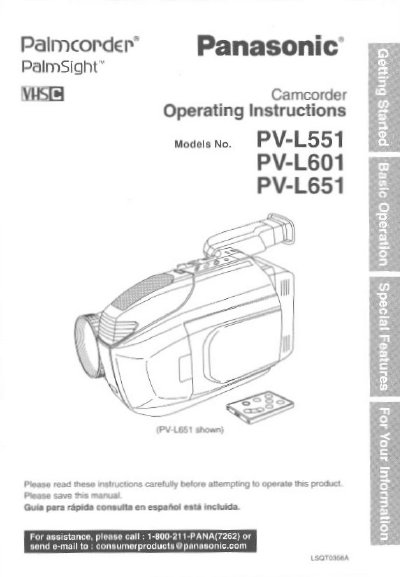
Panasonic PV-L551/PV-L601/PV-L651 Camcorder Operating Instructions
This manual provides operating instructions for the Panasonic PV-L551, PV-L601, and PV-L651 Compact VHS Camcorders. The device is designed to record and play back in Standard Play (SP) and Super Long Play (SLP) modes and is compatible with standard VHS equipment using the supplied VHS PlayPak. Illustrations in the manual depict the PV-L651 model, which includes an 8-function remote control, while features may vary for other models.
Read onlinePanasonic PV-L551 specifications
| Recording Modes | Standard Play (SP) and Super Long Play (SLP) |
|---|---|
| LCD Monitor Size (PV-L551) | 63.5 mm (2.5 inch) |
| LCD Monitor Size (PV-L601) | 76.2 mm (3.0 inch) |
| LCD Monitor Size (PV-L651) | 101.6 mm (4.0 inch) |
Source: Panasonic PV-L551/PV-L601/PV-L651 Camcorder Operating Instructions
All Panasonic PV-L551 documents by type
Day-to-day operation, settings and troubleshooting. Start here if the product is already set up.
Questions answered in these manuals
What recording modes does this camcorder support?
The camcorder is designed to record and play back in Standard Play (SP) and Super Long Play (SLP) modes.
From: Panasonic PV-L551/PV-L601/PV-L651 Camcorder Operating Instructions
Can I play Compact VHS Camcorder recordings on a standard VHS VCR?
Yes, you can play a Compact VHS Camcorder recording on your VHS VCR using the VHS PlayPak supplied with the unit.
From: Panasonic PV-L551/PV-L601/PV-L651 Camcorder Operating Instructions