
Key facts
- Brand
- Panasonic
- Model
- DMC-FX150
- Category
- Digital cameras
- Documents
- 2
- Languages
- ES · EN
- Last added
- 2012-08-09
Start here
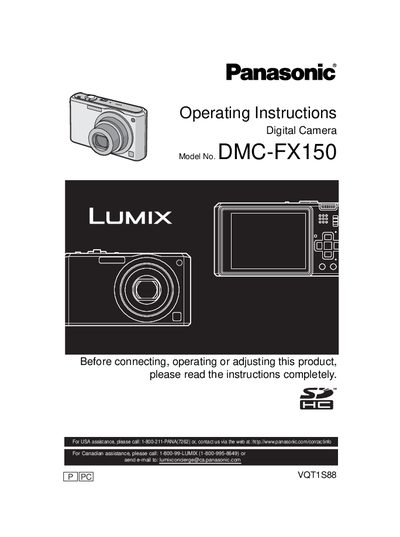
Panasonic DMC-FX150 Digital Camera Operating Instructions
This manual provides comprehensive operating instructions for the Panasonic DMC-FX150 digital camera. It covers essential safety precautions, battery handling, and initial setup procedures such as inserting memory cards and setting the date and time. The guide explains how to use various shooting modes including Intelligent Auto, Program AE, and specific Scene Modes like Portrait, Sports, and Night Scenery.
Read onlinePanasonic DMC-FX150 specifications
| Supported Memory Cards | SD, SDHC, MultiMediaCard |
|---|---|
| SDHC Capacity Support | 4 GB, 8 GB, 16 GB, 32 GB |
| MultiMediaCard Usage | Still images only |
| Power Input | 110 V to 240 V |
Source: Panasonic DMCFX150-SPA Manual
All Panasonic DMC-FX150 documents by type
Day-to-day operation, settings and troubleshooting. Start here if the product is already set up.
Questions answered in these manuals
What type of memory cards are supported?
The camera supports SD, SDHC, and MultiMediaCard types.
Can I use a 4 GB SD card without the SDHC logo?
No, a 4 GB card without the SDHC logo does not meet the standard and will not work.
Where is the serial number located?
The serial number is on the tag located on the underside of your Camera.
From: Panasonic DMC-FX150 Digital Camera Operating Instructions
What should be done if condensation occurs in the lens?
Turn the camera off and leave it for about 2 hours until the temperature matches the ambient temperature.
From: Panasonic DMC-FX150 Digital Camera Operating Instructions