
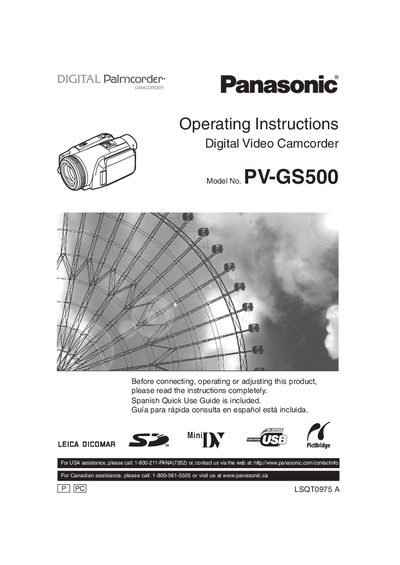
This document is the operating instructions manual for Panasonic PV-GS500 mini digital camcorder. It introduces the use of the camcorder, safety precautions, etc.
This manual covers important safety precautions, such as keeping the camcorder away from rain, moisture, and heat sources, and warns against opening the unit or using non‑approved accessories. It also includes FCC and Canadian compliance information and battery‑recycling instructions.
The guide walks you through powering the camcorder, attaching accessories, setting date and time, using the LCD monitor and viewfinder, recording in SP/LP modes, capturing still images on a card, and navigating the menu system. Additional sections describe remote‑control functions, special recording modes, and troubleshooting tips.
| Model | PV‑GS500 |
|---|---|
| Battery type | Lithium ion/polymer (recyclable) |
| Recording modes | Standard Play (SP) and Long Play (LP) |
| FCC compliance | Class B digital device, Part 15 |
Keep the camcorder and power supply away from rain or moisture, do not open the unit, and use only the recommended accessories.
Yes, a Spanish quick‑use guide is included.