
Key facts
- Brand
- Panasonic
- Model
- DMC-G3
- Category
- Digital cameras
- Industry
- Electronics
- Documents
- 2
- Languages
- EN
- Last added
- 2012-08-10
Start here
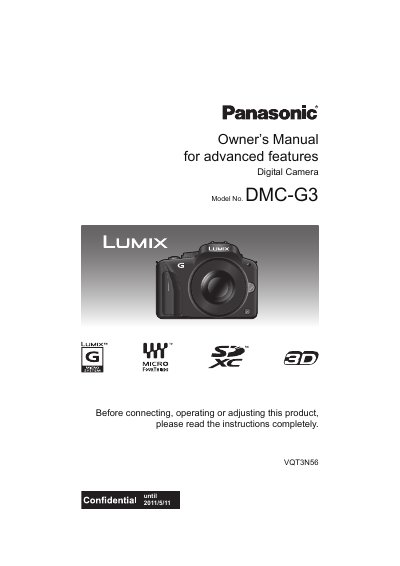
Panasonic DMC-G3 Digital Camera Owner's Manual
User Manual 208 pages · 6 MB · EN
This manual provides instructions for the Panasonic DMC-G3 digital camera, including care of the camera, standard accessories, and names and functions of components. It details how to attach and detach the lens, charge the battery, and insert the memory card.
Read onlineAll Panasonic DMC-G3 documents by type
User Manual 2
Day-to-day operation, settings and troubleshooting. Start here if the product is already set up.
Questions answered in these manuals
What should I do if condensation occurs on the lens or LCD monitor?
Turn the camera off and leave it for about 2 hours until the temperature becomes close to the ambient temperature.
What happens if condensation forms on the lens or LCD monitor?
Turn the camera off and leave it for about 2 hours until the temperature matches the ambient temperature.
Where is the serial number located?
The serial number is on the tag located on the underside of your camera.
Can I use other AV cables?
No, you should not use any AV cables except the supplied one.