
Key facts
- Brand
- Panasonic
- Model
- DMC-GF2
- Category
- Digital cameras
- Industry
- Electronics
- Documents
- 5
- Languages
- ES · EN · ZH
- Last added
- 2012-08-10
Start here
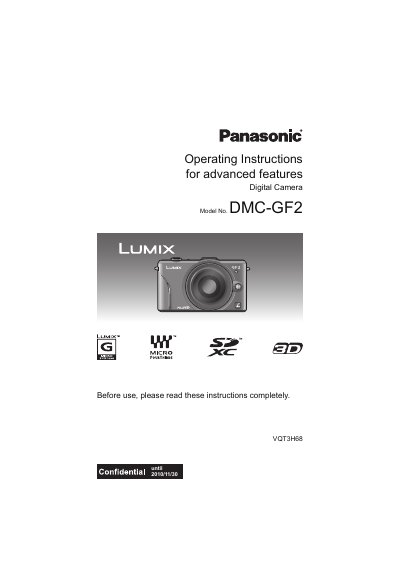
Panasonic DMC-GF2 Digital Camera Operating Instructions
This document provides operating instructions for the Panasonic DMC-GF2 digital camera. It details the standard accessories, component names and functions, and preparation steps such as attaching the lens, charging the battery, and inserting the memory card. The manual also explains how to set the date and time before using the device.
Read onlineAll Panasonic DMC-GF2 documents by type
Day-to-day operation, settings and troubleshooting. Start here if the product is already set up.
Questions answered in these manuals
Where is the serial number located?
The serial number is located on the label on the bottom of the camera.
From: Panasonic DMC-GF2C/DMC-GF2K/DMC-GF2 Digital Camera User Manual
What is the model number of the camera included in the box?
The camera body is identified as the DMC-GF2C.
From: Panasonic DMC-GF2C/DMC-GF2K/DMC-GF2 Digital Camera User Manual
What are the standard accessories included with the camera?
The standard accessories include the camera body, battery pack, battery charger, and lens, though specific items may vary by region.
From: Panasonic DMC-GF2 Digital Camera Operating Instructions
What happens if I remove the battery without turning the camera off?
The folder and file numbers for the pictures taken will not be stored in the memory.
From: Panasonic DMC-GF2 Digital Camera Operating Instructions
What is the model number of this camera?
The model number is DMC-GF2.
From: Panasonic DMC-GF2 Digital Camera Operating Instructions
What type of memory cards are compatible?
The camera supports SD Memory Card, SDHC Memory Card, and SDXC Memory Card.
From: Panasonic DMC-GF2 Digital Camera Operating Instructions