
Panasonic DMC-G3K/DMC-G3W/DMC-G3 base user manual

This is a user manual for Panasonic DMC-G3K/DMC-G3W DMC-G3 digital camera, which introduces the camera's functions and use methods.
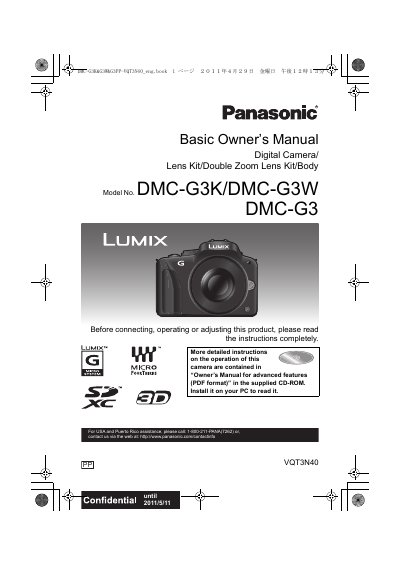

Panasonic DMC-G3K/DMC-G3W/DMC-G3 base user manual - cover page
Brand
Panasonic
Category
Digital cameras
Document type
User Manual
Language
English
Pages
56
File format
PDF
File size
2.7 MB
Published
10 August, 2012
Updated
01 October, 2023
Model
DMC-G3
MD5 checksum
A5BC136751B701A2774C9498E498258A

About this manual

This document serves as the Basic Owner's Manual for the Panasonic DMC-G3 digital camera. It provides essential instructions for the initial setup, including charging the battery, inserting memory cards, and attaching the lens. The manual covers fundamental operations such as taking still pictures and motion pictures using Intelligent Auto modes, as well as playing back and deleting images.

What's inside

  • Standard Accessories
  • About the Battery Pack
  • Charging the Battery
  • Inserting and Removing the Card
  • Taking a Still Picture
  • Taking Pictures using the Automatic Function
  • Recording Motion Pictures
  • Playing Back Pictures
  • Setting the Menu
  • Specifications

Specifications

Battery Charger VoltageAC between 110 V and 240 V

Frequently asked questions

Where is the serial number located?

The serial number is on the tag located on the underside of your camera.

Can I use other AV cables?

No, you should not use any AV cables except the supplied one.

What happens if I use the camera near a cell phone?

Doing so may result in noise adversely affecting the pictures and/or sound.

Download PDF (2.7 MB)

More Panasonic Manuals


View all Panasonic manuals →