
Panasonic DMC-G3 Digital Camera Owner's Manual

This document is a user manual for the Canon DMC-G3 digital camera
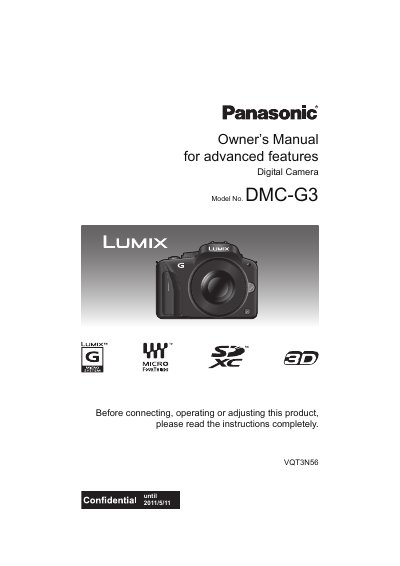

Panasonic DMC-G3 Digital Camera Owner's Manual - cover page
Brand
Panasonic
Category
Digital cameras
Document type
User Manual
Language
English
Pages
208
File format
PDF
File size
6 MB
Published
10 August, 2012
Updated
30 September, 2023
Model
DMC-G3
MD5 checksum
1ED14D1F7F7509B6F1493275CEA85F43

About this manual

This manual provides instructions for the Panasonic DMC-G3 digital camera, including care of the camera, standard accessories, and names and functions of components. It details how to attach and detach the lens, charge the battery, and insert the memory card.

What's inside

  • Care of the camera
  • Names and Functions of Components
  • Attaching/Detaching the Lens
  • Charging the Battery
  • Selecting the Recording Mode
  • Taking a Still picture
  • Recording Motion Pictures
  • Playing Back Pictures
  • Setting the Menu
  • Troubleshooting

Specifications

Model NumberDMC-G3
Product TypeDigital Camera

Frequently asked questions

What should I do if condensation occurs on the lens or LCD monitor?

Turn the camera off and leave it for about 2 hours until the temperature becomes close to the ambient temperature.

What happens if condensation forms on the lens or LCD monitor?

Turn the camera off and leave it for about 2 hours until the temperature matches the ambient temperature.

How should the LCD monitor be positioned when taking pictures at a high angle?

Rotate the monitor 90 degrees towards you.

What is the maximum angle the LCD monitor can open?

The monitor can be opened to a maximum of 180 degrees.

Download PDF (6 MB)

More Panasonic Manuals


View all Panasonic manuals →