
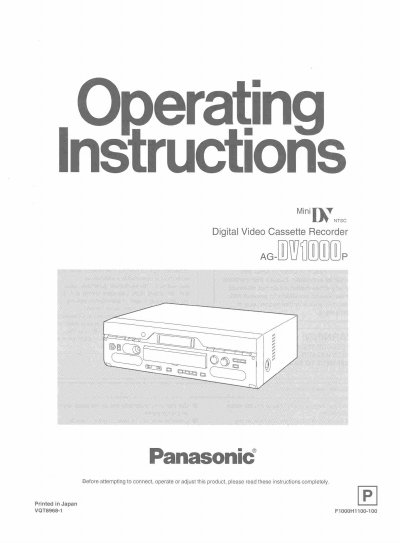
Panasonic AG-DV1000 Digital Video Cassette Recorder User Manual


Panasonic AG-DV1000 Digital Video Cassette Recorder User Manual - cover page
Brand
Panasonic
Category
Video Player
Document type
User Manual
Language
English
Pages
40
File format
PDF
File size
2.5 MB
Published
09 August, 2012
Updated
17 August, 2012
MD5 checksum
6C009F20C9EAD2D503CDAEB6A9A215F0

About this manual

The Panasonic AG-DV1000 is a digital video cassette recorder designed for recording and playback of mini DV cassettes. The device features controls for playback, fast forward, rewind, pause, and manual recording functions. It supports various audio modes including stereo 1, stereo 2, and mix options for 12-bit audio tapes.

The unit includes an on-screen display (OSD) that can be set to appear automatically or remain on the monitor screen during operation. Users can adjust settings such as date/time recording (though the device itself cannot record this data), tape counter displays, and input selection between DV, S-VIDEO, and LINE inputs.

What's inside

  • Controls and Their Functions
  • Connections
  • Inserting/Ejecting the Cassette
  • Playback
  • Other Playback Functions
  • Manual Recording
  • Settings Using the On Screen Display
  • On Screen Display Messages
  • Before Requesting Service
  • Usage Precautions

Frequently asked questions

What happens if I hold down the STOP button?

The tape will be ejected when the STOP button is held down for 3 or more seconds.

How long must I press PAUSE to start slow playback?

You must press the button for 2 seconds or more to initiate slow playback.

How long does the On-Screen Display appear in AUTO mode?

The display appears for 5 seconds only when the VTR is operated.

Download PDF (2.5 MB)

More Panasonic Manuals


View all Panasonic manuals →