
Key facts
Start here
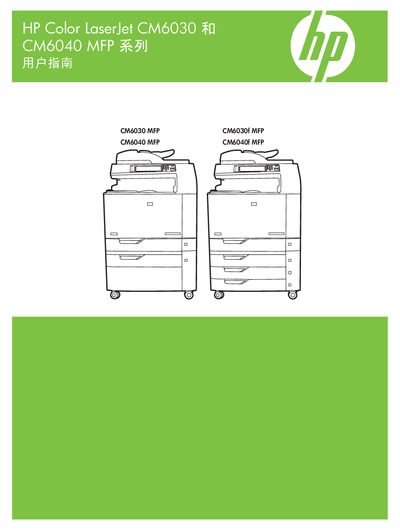
HP Color LaserJet CM6030 and CM6040 MFP User Manual
This manual covers the HP Color LaserJet CM6030 and CM6040 multifunction printers, detailing hardware layout, control‑panel functions, and supported media. It includes step‑by‑step guidance for printing, copying, scanning, and network configuration.
Additional sections explain software drivers for Windows and macOS, paper‑handling options, color management, and troubleshooting. The document also lists recommended HP paper types and specifications for optimal print quality. This manual is written in Chinese.
All HP M604 documents by type
Day-to-day operation, settings and troubleshooting. Start here if the product is already set up.
Questions answered in these manuals
What is the purpose of the HP Color LaserJet CM6040/CM6030 MFP Analog Fax Accessory 300?
This accessory gives the HP multifunction product (MFP) single-unit operation analog fax machine capabilities.
From: HP Color LaserJet CM6040/CM6030 MFP Analog Fax Accessory 300 User Guide
What items are included with the fax accessory?
The package includes the fax manual, Send Fax driver and guide, and a telephone cord.
From: HP Color LaserJet CM6040/CM6030 MFP Analog Fax Accessory 300 User Guide
How do I reset the supplies on my HP LaserJet printer?
Press the Home button, select Administration > Manage Supplies > Reset Supplies > New Maintenance Kit > Yes.
What steps are required to confirm a new maintenance kit installation?
Navigate through the menu to select New Maintenance Kit and confirm with Yes.
What happens if I use paper that does not meet the specified specifications?
Using non-compliant paper may result in poor print quality, increased paper jams, or premature product wear requiring repair.
Does using non-HP paper void the warranty or service agreement?
Yes, repairs caused by using paper that does not meet HP specifications are not included in the HP warranty or service agreement.