
Key facts
- Brand
- HP
- Model
- Officejet Pro 3610/3620
- Category
- Printer
- Industry
- Appliances
- Documents
- 2
- Languages
- ZH
- Last added
- 2026-10-24
Start here
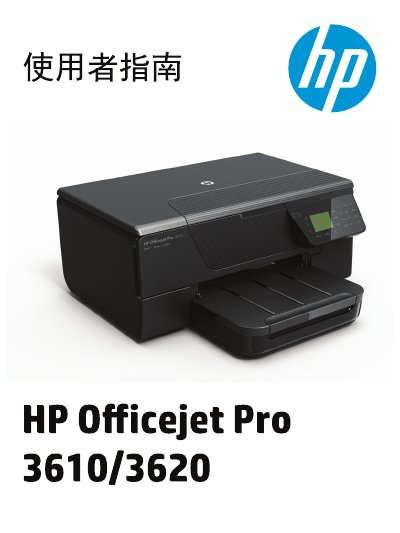
HP Officejet Pro 3610/3620 e-All-in-One User Manual
This document is the user manual for the HP Officejet Pro 3610 and 3620 e-All-in-One printers. It provides comprehensive instructions for setting up the device, managing power, and using the control panel. The guide details how to load paper, print documents, scan files to a computer, and perform copy functions. For the HP Officejet Pro 3620 model, it also includes specific instructions for sending and receiving faxes. This manual is written in Chinese.
Read onlineAll HP Officejet Pro 3610/3620 documents by type
Day-to-day operation, settings and troubleshooting. Start here if the product is already set up.
Questions answered in these manuals
What safety precaution must be taken before cleaning the product?
You must unplug the power cord from the wall outlet before cleaning the product.
From: HP Officejet Pro 3610/3620 Black and White e-All-in-One User Guide
Who should perform repairs if the product malfunctions?
Qualified repair personnel must perform any repairs because there are no user-serviceable parts inside.
From: HP Officejet Pro 3610/3620 Black and White e-All-in-One User Guide
Which models does this manual cover?
This manual covers the HP Officejet Pro 3610 and HP Officejet Pro 3620 models.
Can I receive faxes on this printer?
Yes, but only the HP Officejet Pro 3620 model supports faxing.