
Key facts
Start here
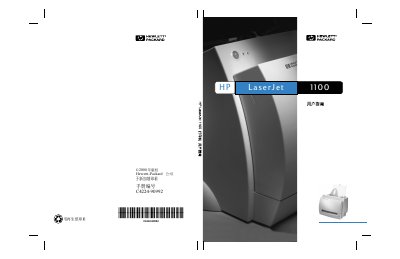
HP LaserJet 1100 Printer User Guide
This document is the user guide for the HP LaserJet 1100 printer. It covers printer features, components, and how to select and load various media types. The guide explains how to perform specific printing tasks such as manual duplex printing, printing booklets, and using the watermark feature. It also details how to manage the toner cartridge, including replacement and recycling policies. The manual includes a troubleshooting section for common issues like paper jams and print quality defects, as well as instructions for cleaning the printer and resetting it. Finally, it provides information on obtaining service and support from Hewlett-Packard. This manual is written in Chinese.
Read onlineHP LaserJet 1100 specifications
| Print Speed | 8 pages per minute (letter size) |
|---|---|
| Operating Temperature | 0 C to 40 C (32 F to 104 F) |
| Weight | 7.5 kg (cartridge installed) |
Source: HP LaserJet 1100 User Manual
All HP LaserJet 1100 documents by type
Day-to-day operation, settings and troubleshooting. Start here if the product is already set up.
Questions answered in these manuals
What paper types can the printer use?
The printer can use a variety of envelopes, labels, transparencies, vellum, and custom-size paper.
What are the guidelines for paper weight?
The printer is designed to use conventional paper with a weight between 75 gm2 and 100-250.
How do I load paper into the printer?
Load paper with the top edge down and the printable side facing the front of the printer.
What is the maximum paper size supported?
The printer supports a maximum paper size of 216 x 356 mm (8.5 x 14 in).