
This manual provides setup, operation, and troubleshooting instructions for the HP Color LaserJet CM6040/CM6030 MFP Analog Fax Accessory 300.
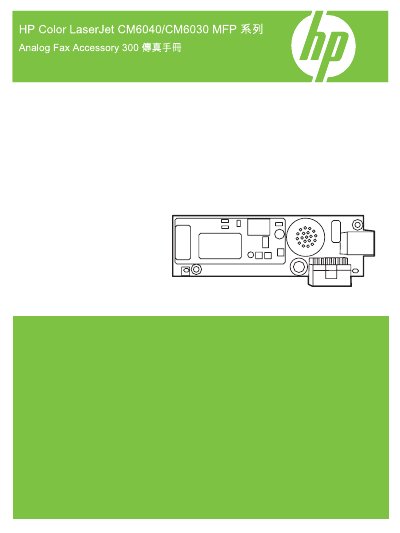
This guide explains how to set up and use the analog fax functionality on the HP Color LaserJet CM6040 or CM6030 Multifunction Product (MFP). It covers initial configuration, including verifying operation, setting date/time, and configuring dialing rules. The document also details how to send and receive faxes using various methods such as manual entry, speed dial lists, and phone book searches. This manual is written in Chinese.
This accessory gives the HP multifunction product (MFP) single-unit operation analog fax machine capabilities.
The package includes the fax manual, Send Fax driver and guide, and a telephone cord.
No, if both analog fax and LAN fax are installed, you can only enable one fax type at a time.