
This user guide introduces the features and capabilities of the HP Color LaserJet CM6030 and CM6040 MFP series. It also explains how to use the control panel, set up print jobs, connect to a network, and maintain your printer.
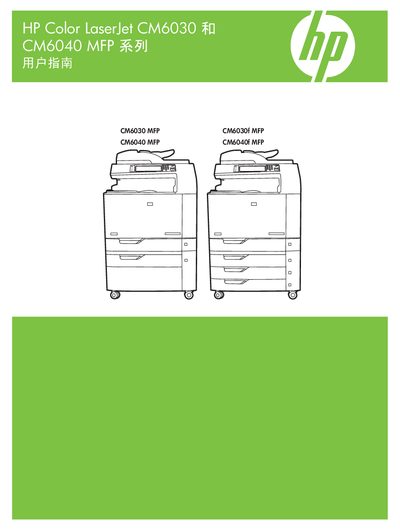
This manual covers the HP Color LaserJet CM6030 and CM6040 multifunction printers, detailing hardware layout, control‑panel functions, and supported media. It includes step‑by‑step guidance for printing, copying, scanning, and network configuration.
Additional sections explain software drivers for Windows and macOS, paper‑handling options, color management, and troubleshooting. The document also lists recommended HP paper types and specifications for optimal print quality. This manual is written in Chinese.
| Supported paper weight | 60–220 g/m² |
|---|---|
| Maximum paper stack height (tray 1) | 10 mm (≈100 sheets of 75 g/m²) |
The printer supports paper weights from 60 g/m² up to 220 g/m².
HP recommends using HP brand paper for best results; using other brands may cause poor quality, jams, or wear.