
This manual provides repair information for the LaserJet Enterprise M604, M605, M606 printer models
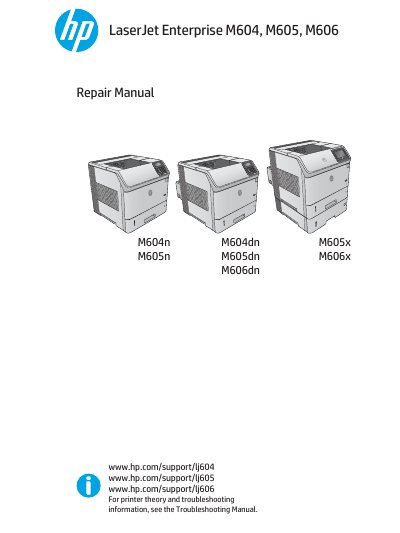
This repair manual provides detailed instructions for technicians to service and maintain HP LaserJet Enterprise M604, M605, and M606 printers. It includes step-by-step procedures for replacing parts such as toner cartridges, fusers, transfer rollers, and hard-disk drives. The guide also covers safety precautions, required tools, and post-service testing to ensure proper printer function.
The manual is organized by component, with sections for each part including removal, unpacking, installation, and reassembly steps. It also includes information on firmware reinstallation, electrostatic discharge precautions, and service support resources from HP.
This manual provides repair and maintenance instructions for HP LaserJet Enterprise M604, M605, and M606 printers.
The manual covers the HP LaserJet Enterprise M604, M605, and M606 models.
Users can go to the Service Access Work Bench (SAW) at http://h41302.www4.hp.com/km/saw/home.do for HP service personnel, or to HP Channel Services Network (CNS) at https://h30125.www3.hp.com/hpcsn for channel partners.
The 'CAUTION' section contains procedures the user must follow to avoid losing data or damaging the printer.