
Key facts
Start here
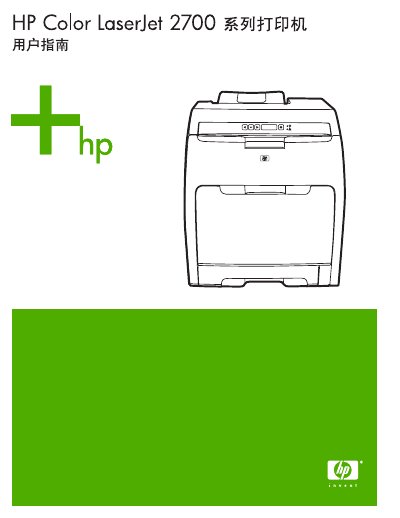
HP Color LaserJet 2700 Series Printer User Guide
This manual covers the HP Color LaserJet 2700 Series printer, including the standard model and the network-enabled HP Color LaserJet 2700n. It details printer features such as single-color printing speeds of up to 20 ppm and color printing speeds of up to 15 ppm. The guide explains how to use the control panel, configure software drivers for Windows and Macintosh, and manage print jobs. This manual is written in Chinese.
Read onlineHP 2700 specifications
| Single-color print speed (letter/A4) | 20 ppm |
|---|---|
| Color print speed | 15 ppm |
| Memory (RAM) | 64 MB |
| Paper capacity (Tray 1) | 100 sheets |
| Paper capacity (Tray 2) | 250 sheets |
| Network capability | 10Base-T/100Base-TX |
All HP 2700 documents by type
Day-to-day operation, settings and troubleshooting. Start here if the product is already set up.
Questions answered in these manuals
How can the wireless capabilities of the printer be turned on or off?
The wireless capabilities can be turned on or off by pressing the Wireless button on the control panel.
What does it mean if the Ink Alert light is blinking?
If the Ink Alert light is blinking, it indicates low ink or cartridge problems.
Which HP printers are compatible with this Dual Roll Kit?
The kit is compatible with the HP Latex 1500, HP Latex 2700 series, HP Latex 3X00 series, and HP Stitch S1000.
From: HP Latex 1000/2700/3000 Series Dual Roll Kit Introductory Information
What is the maximum width of the substrates this kit can handle?
The kit allows you to double throughput on substrates up to 1.6 m (63 in) wide.
From: HP Latex 1000/2700/3000 Series Dual Roll Kit Introductory Information
What is the print speed for single-color printing?
The printer can print up to 20 pages per minute (ppm) on letter-sized media.
What is the print speed for color printing?
The printer achieves a speed of up to 15 ppm when performing color printing.