
Key facts
Start here
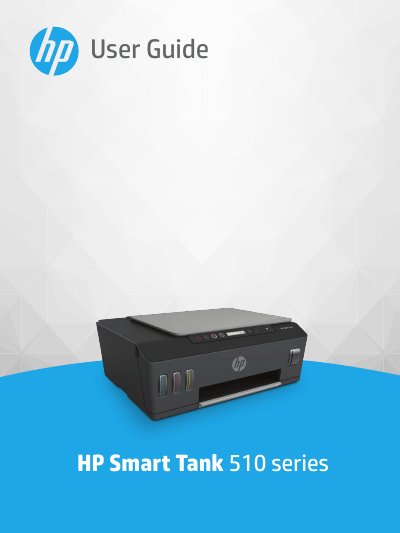
HP Smart Tank 510 series User Guide
User Manual 137 pages · 2 MB · EN
This manual provides instructions for getting started with the HP Smart Tank 510 series printer, including identifying printer parts and understanding the ink tank system. It details how to load media, print documents and photos, and use the control panel features such as sleep mode and quiet mode.
Read onlineHP Smart Tank 510 series specifications
| Print method | drop-on-demand thermal inkjet |
|---|---|
| Copy resolution | up to 600 dpi |
| Scan resolution | up to 1200 x 1200 ppi optical |
| Input tray capacity (plain paper) | Up to 100 sheets |
| Output tray capacity (plain paper) | Up to 30 sheets |
| Operating temperature range | 5°C to 40°C (41°F to 104°F) |
All HP Smart Tank 510 series documents by type
User Manual 2
Day-to-day operation, settings and troubleshooting. Start here if the product is already set up.
Questions answered in these manuals
What is the maximum number of standard sheets the input tray can hold?
The input tray holds a maximum of 100 sheets of plain paper.
What is the maximum weight of photo paper supported by this printer?
The printer supports photo paper with a weight of up to 300 g/m².
What is the recommended operating temperature range for the printer?
The recommended operating temperature range is 15 ℃ to 30 ℃ (59 ℉ to 86 ℉).
What is the maximum scan size from the glass?
The maximum scan size from the glass is 21.6 x 29.7 cm (8.5 x 11.7 inches).