
Key facts
Start here
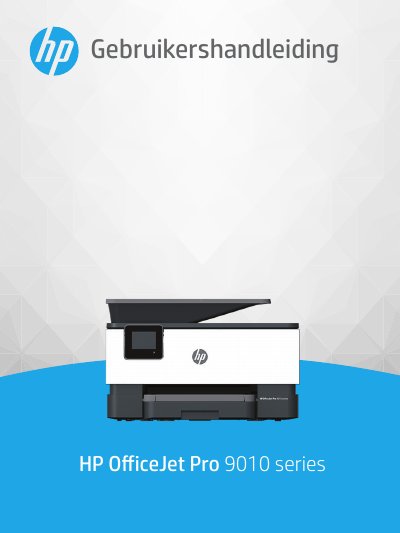
HP OfficeJet Pro 9010 series User Manual
This manual provides instructions for using the HP OfficeJet Pro 9010 series printer. It covers accessibility features, environmental solutions like energy management and quiet mode, and an overview of the printer's components and control panel. The guide details how to load paper, perform basic tasks such as printing, copying, scanning, and sending faxes, and how to use HP Digital Solutions. This manual is written in Dutch.
Read onlineHP OfficeJet Pro 9010 series specifications
| Operating temperature | 5° to 40° C (41° to 104° F) |
|---|---|
| Operating humidity | 15 to 80% RH non‑condensing |
| Print method | Drop‑on‑demand thermal inkjet |
| Scan resolution | Up to 1200 × 1200 ppi optical |
| Fax transmission speed | 33.6 Kbps |
All HP OfficeJet Pro 9010 series documents by type
Day-to-day operation, settings and troubleshooting. Start here if the product is already set up.
Questions answered in these manuals
What happens to the printer's power consumption after it has been inactive for five minutes?
The printer will automatically go into Sleep Mode to limit power consumption.
How long does the printer stay on before it automatically shuts off to save power?
The printer turns off after 8 hours of inactivity if the Auto Off function is enabled.
How can I set the printer to Sleep Mode or Auto‑Off?
Use the Sleep Mode, Auto‑Off, and Schedule On/Off options in the Dashboard to conserve energy; Sleep Mode activates after five minutes of inactivity, and Auto‑Off turns the printer off after eight hours of inactivity.
How do I replace the ink cartridges?
Open the cartridge access door, remove the empty cartridge, and insert a new cartridge, then close the door.