
Key facts
Start here
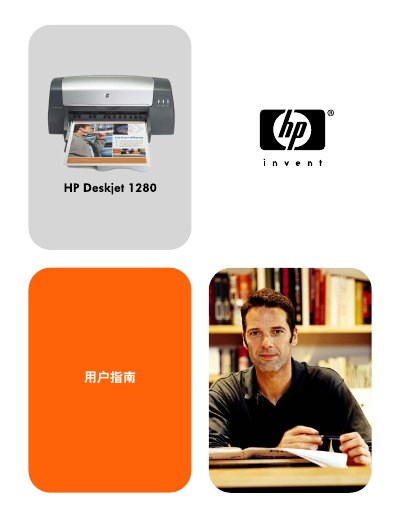
HP Deskjet 1280 Printer User Guide
User Manual 64 pages · 2.4 MB · ZH
This user guide covers the basics of the HP Deskjet 1280 printer, including an introduction to its components and functions. It details how to connect the printer to a computer via USB or parallel ports, as well as how to set it up for network printing using an optional external print server. The guide also explains how to install the printer software on Windows and Macintosh systems. This manual is written in Chinese.
Read onlineHP Deskjet 1280 specifications
| Main paper tray capacity | 150 sheets of standard paper |
|---|---|
| Supported media types | Plain, inkjet, photo, banner paper; envelopes; transparencies; labels; heat‑transfer paper; cards |
| Interfaces | USB port, parallel port |
Source: HP Deskjet 1280 User Manual
All HP Deskjet 1280 documents by type
User Manual 2
Day-to-day operation, settings and troubleshooting. Start here if the product is already set up.
Questions answered in these manuals
How many sheets can the main paper tray hold?
The main paper tray can hold up to 150 sheets of standard paper.
Which connection interfaces are available on the Deskjet 1280?
The printer includes a USB port and a parallel port for connecting to a computer.