
This document introduces the HP printer product series and the corresponding maintenance methods, including the M604, M605, and M606 series. Specific content includes how to reset supplies, manage supplies, and install new maintenance kits.
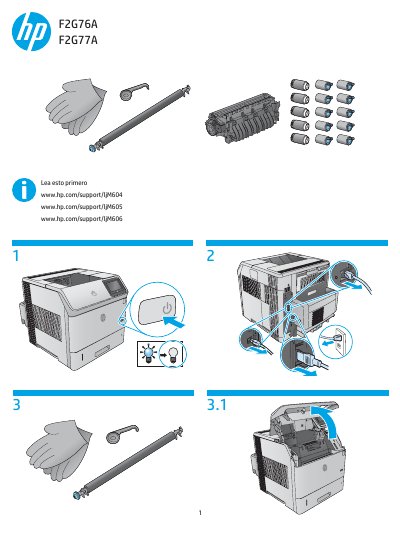
This document provides multilingual instructions for the HP LaserJet M604, M605, and M606 series of printers. It focuses specifically on the procedure to reset the printer's supply counters after installing a new maintenance kit.
Press the Home button, select Administration > Manage Supplies > Reset Supplies > New Maintenance Kit > Yes.
Navigate through the menu to select New Maintenance Kit and confirm with Yes.