
Key facts
Start here
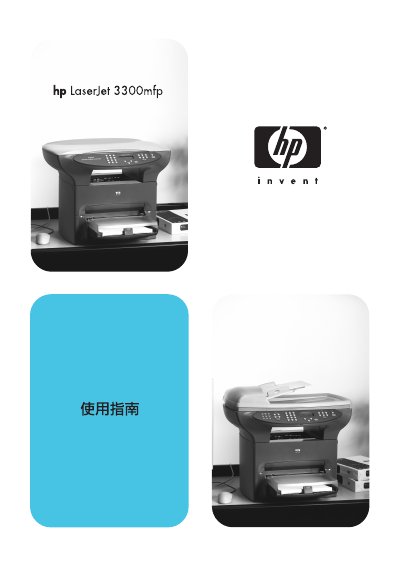
HP LaserJet 3300mfp User Guide
User Manual 256 pages · 6.2 MB · ZH
This document is the user guide for the HP LaserJet 3300mfp multifunction printer. It covers product identification, hardware and software components, and initial setup procedures including connecting cables, installing toner, and loading paper. This manual is written in Chinese.
Read onlineAll HP 3300mfp documents by type
User Manual 2
Day-to-day operation, settings and troubleshooting. Start here if the product is already set up.
Questions answered in these manuals
How do I change the default fax volume?
You can change the fax sound volume from the product control panel.
How do I install the Windows driver for the HP LaserJet 3300mfp?
Use the Windows driver installation section titled "Bog ATA ie Se ig (Windows)" in the manual.
Is there a Macintosh driver available for the HP LaserJet 3300mfp?
Yes, the manual includes a Macintosh driver installation guide under "EEX ATA Dy iS Bee BRA ig & (Macintosh)".